
Looking to freeze or resume your Unlimited Pass subscription? Follow the instructions below.
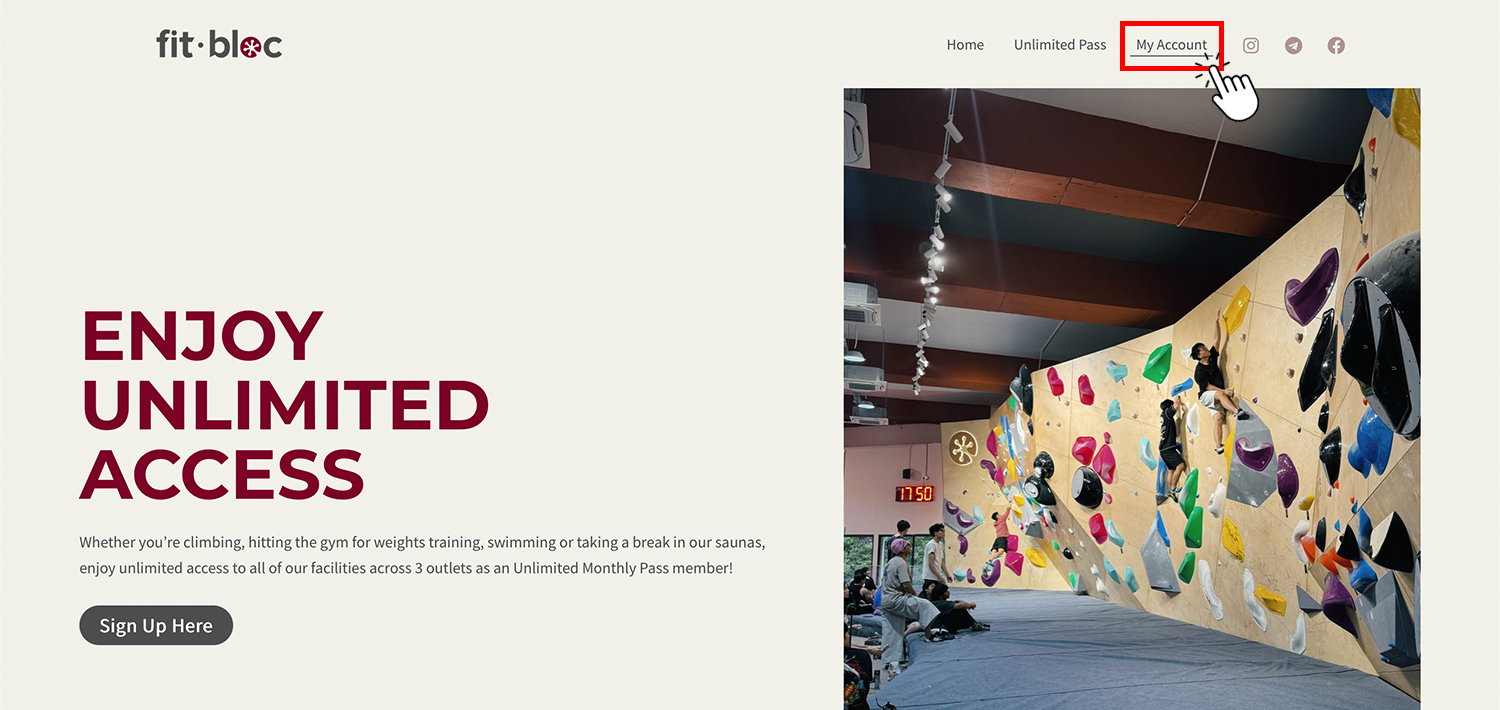
1. Head to https://shop.fitbloc.com and click on “My Account”.
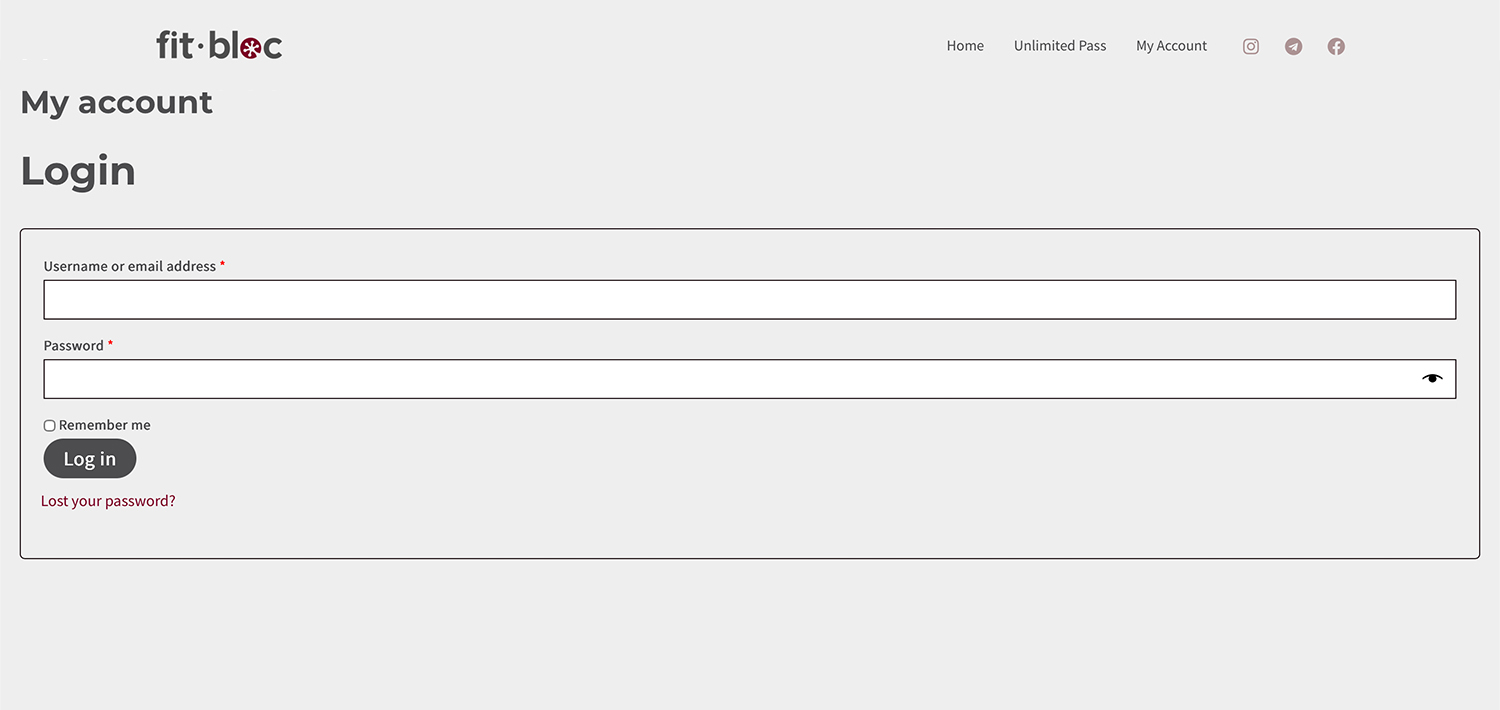
2. Login with the email and password you used at point of purchase.
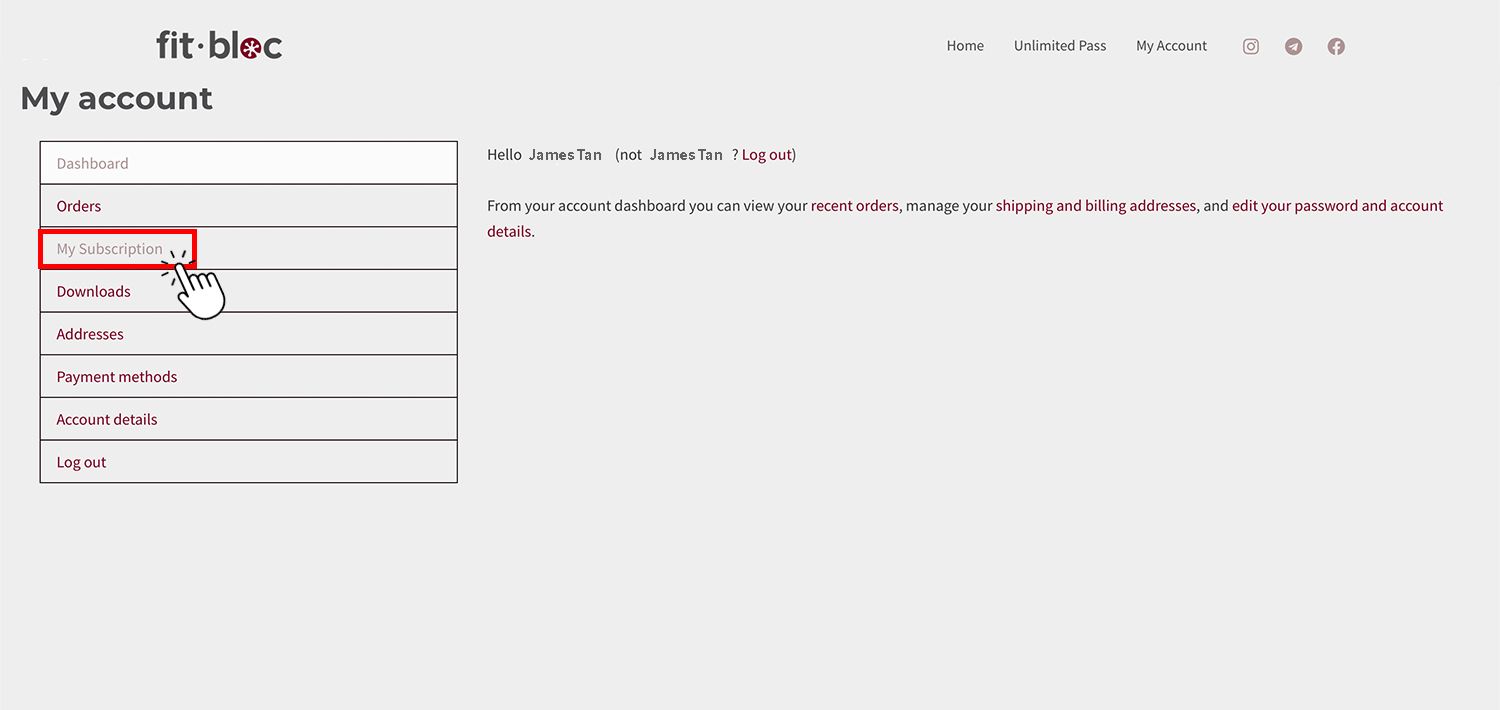
3. Click on “My Subscription”.
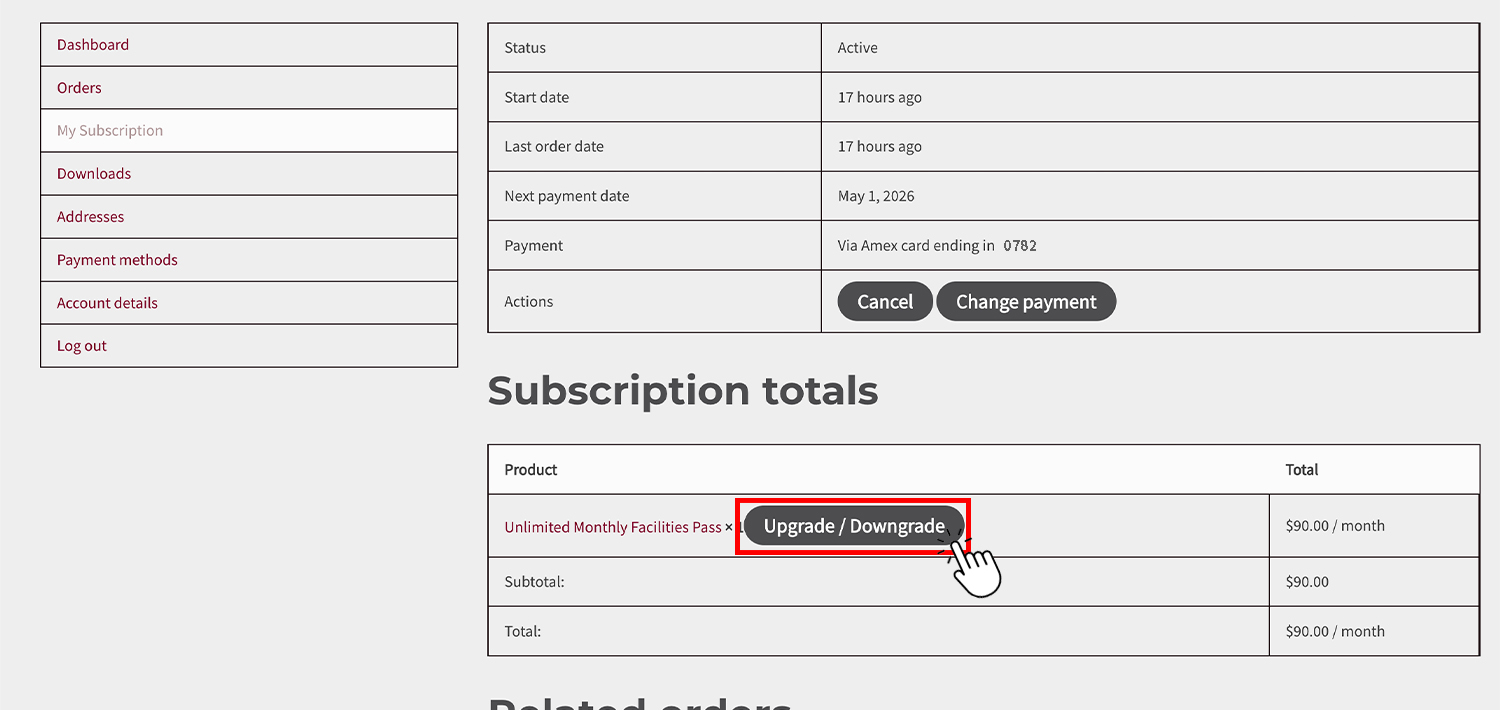
4. Click on “Upgrade/Downgrade”.
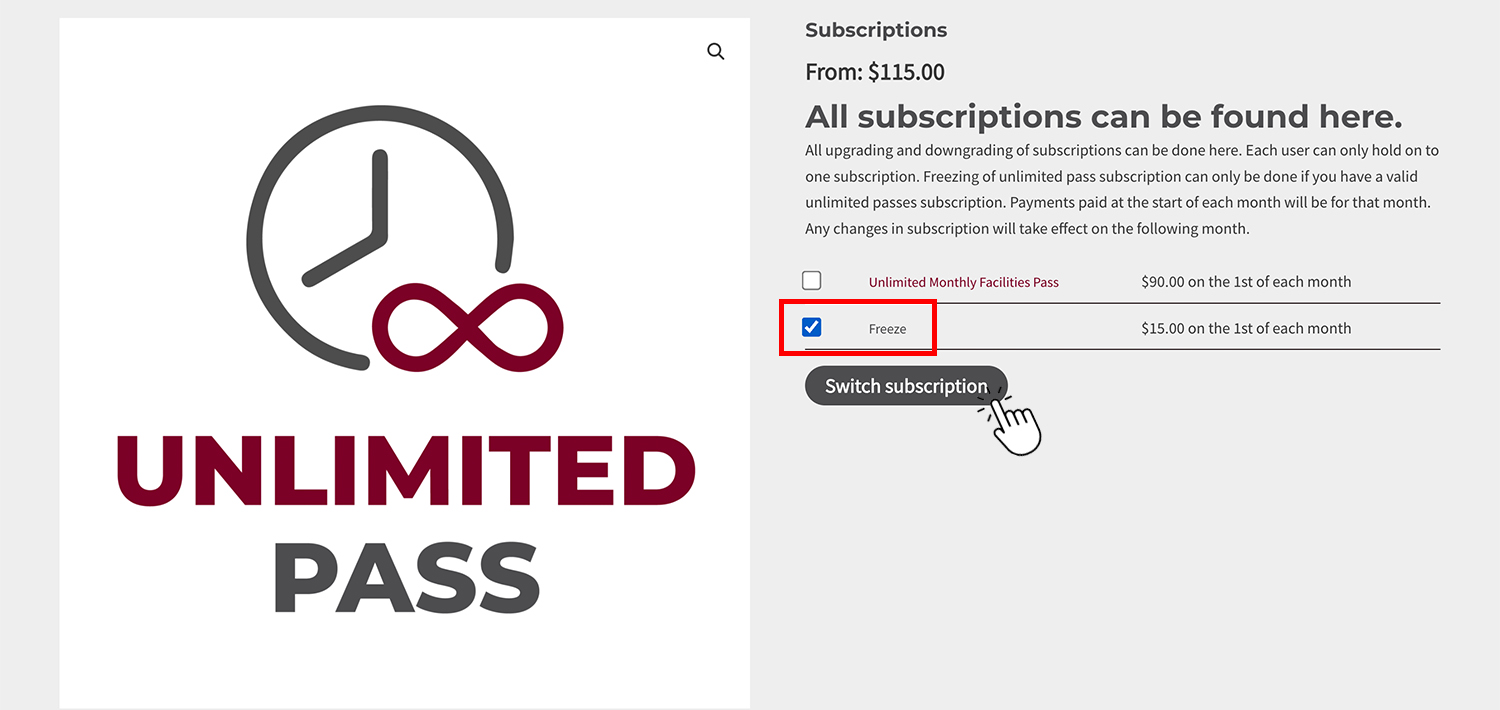
5. To freeze your subscription, select “Freeze” then “Switch Subscription”.
To resume your subscription, select “Unlimited Monthly Facilities Pass” then “Switch Subscription”.
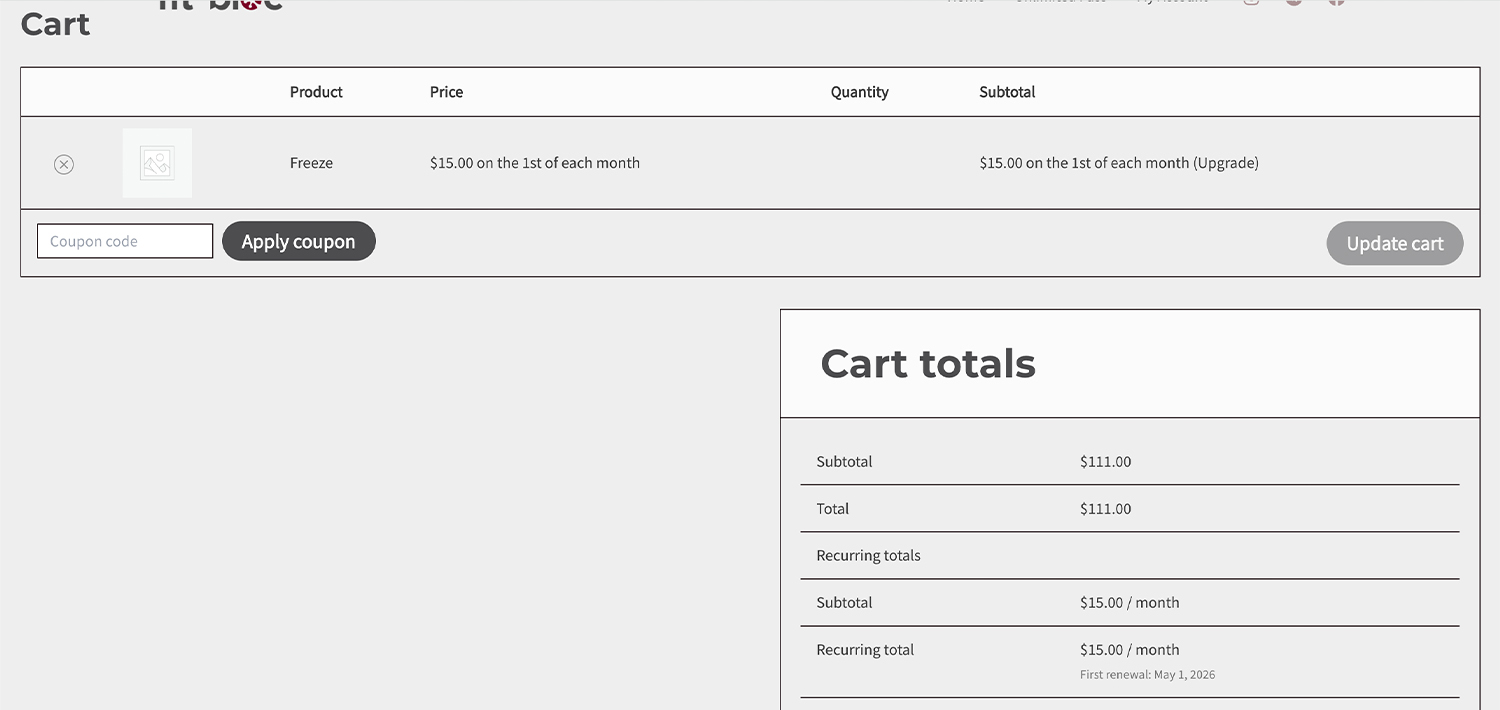
6. Enter promo code (if any) and check out as usual. If you are entitled to any discounts, you will need to apply a new promo code. You may request for it over the counter or via WhatsApp.